
ADOIT 21 LTS brings a major practical step forward. Most customers follow the LTS cadence, so ADOIT 18, 19, and 20 may never have reached their environments. This course brings all four releases together in one streamlined learning experience, organized by capability, not version, so you can focus on how ADOIT works today.
With nine modules, real-world scenarios, interactive activities, and knowledge checks, you’ll build a practical understanding of the capabilities that matter most in your environment.
Business need
Enterprise Architecture Essentials
Tool Modernization
AI-Powered Enterprise Architecture
Architecture Governance
Categories
ADOIT
Self-Paced E-Learning
Requirements
 Basic familiarity with ADOIT recommended

Key Course Benefits
ADOIT 21 LTS Update Training
Four releases of ADOIT in one Long Term Support upgrade.
Costs
Free E-Learning
Supported Languages
English
Learning objectives
- Use the AI Assistant to work with architecture knowledge in natural language
Personalize start pages and dashboards for different roles and use cases
Bring architecture models and insights together in dashboards
- Apply ArchiMate Patterns to common enterprise architecture challenges
What you get
Self-Service Training
Knowledge Checks and a Final Quiz
Real-World Scenarios and Role-Based Next Steps
- Course Certificate
9 Modules, around 10 Minutes Each
Targeted at
ADOIT users upgrading from 17 LTS
- Enterprise architects and architecture practitioners
- Application owners and business users
- Administrators planning the upgrade
Work With Your Architecture in
Natural Language
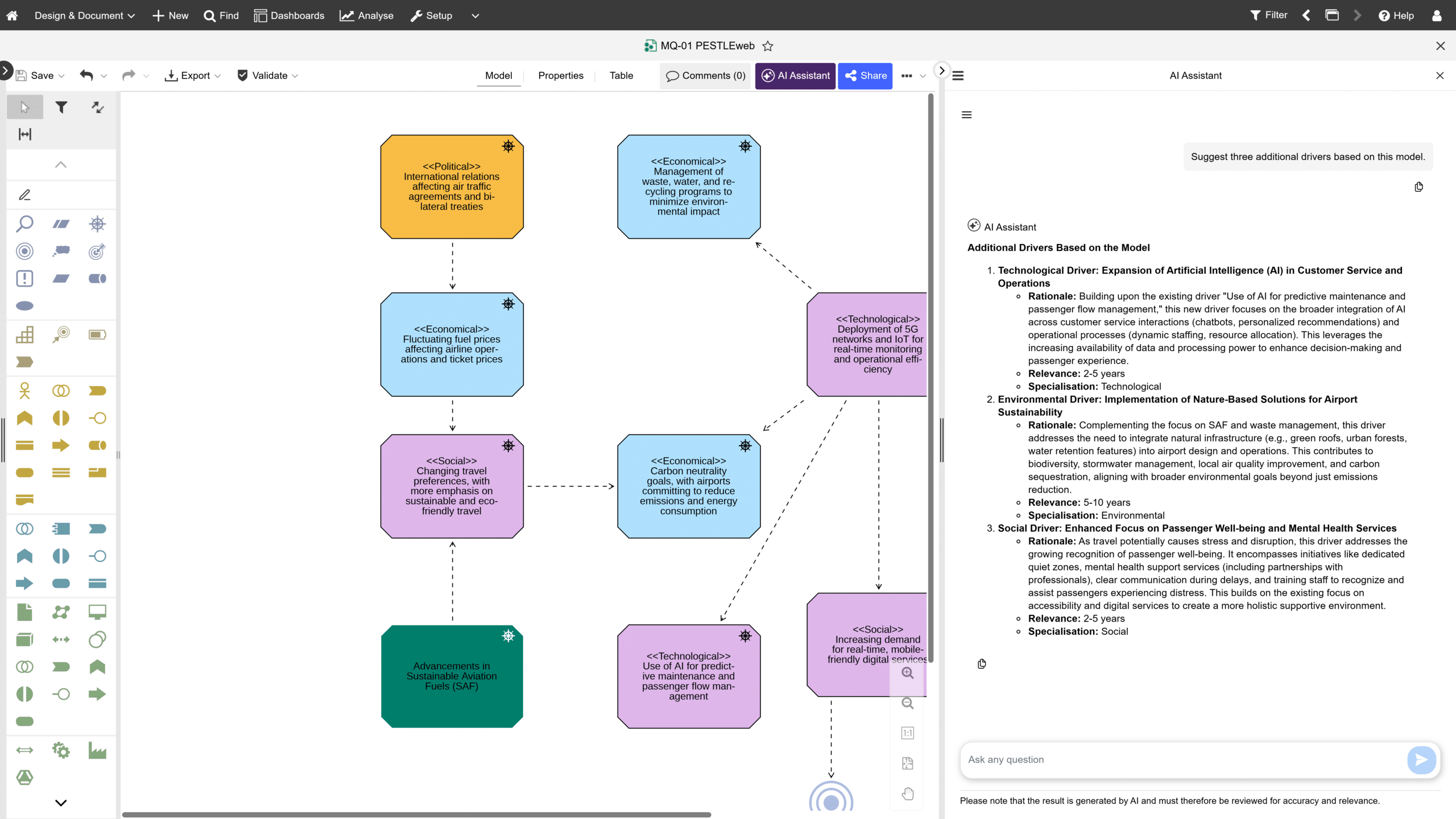
The AI Assistant brings a new way to work with ADOIT. Ask questions in natural language to search and analyse repository content, run predefined queries, reason over architecture information, and support the creation and refinement of content.
The assistant works within each user’s existing permissions, making architecture knowledge easier to access without requiring deep knowledge of the repository structure or every part of the ADOIT interface.
Make ADOIT Start With
What Matters to You
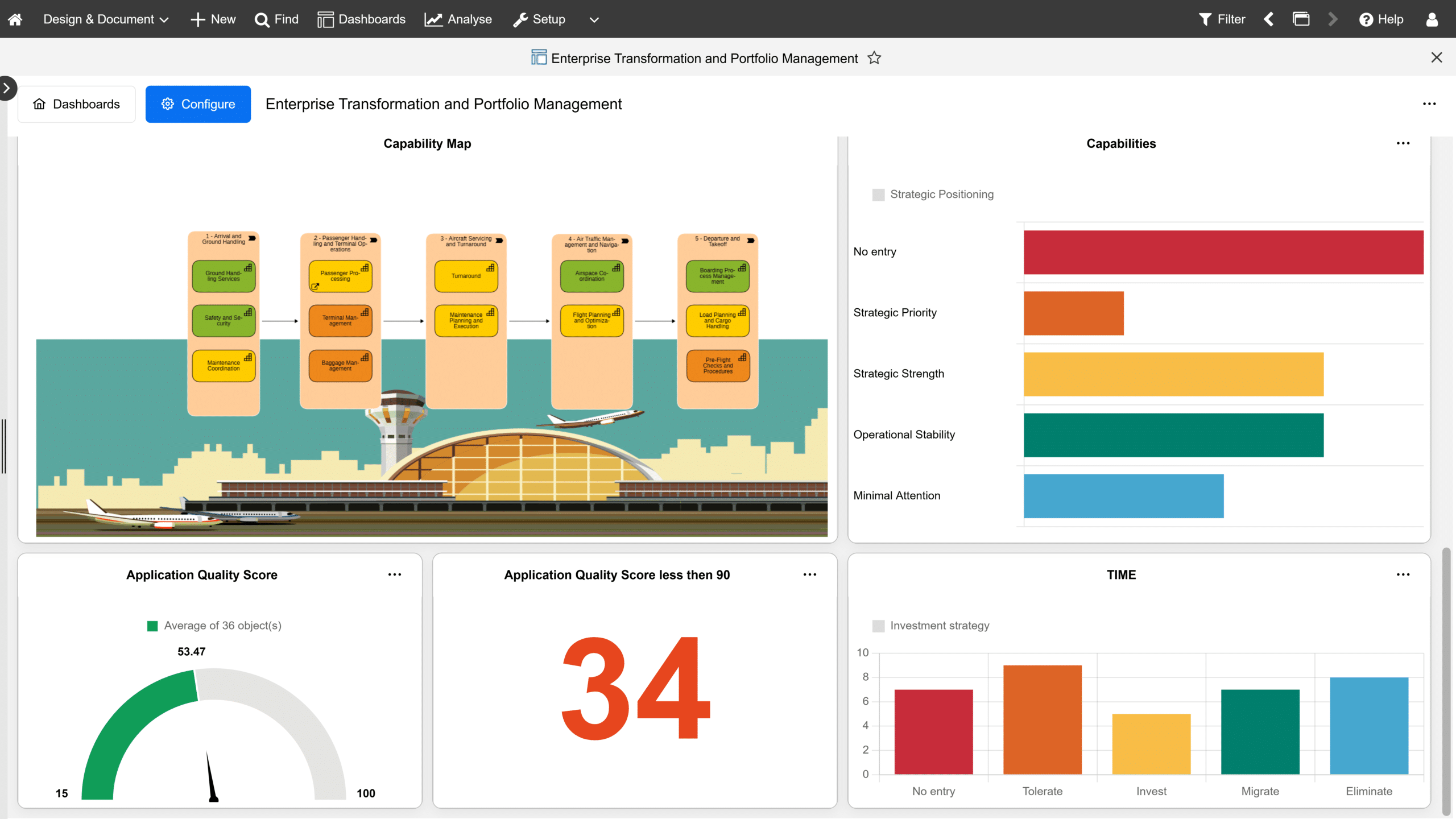
The dashboards you know from ADOIT 17 LTS are retired. In their place, you choose the widgets, bind them to queries and artefacts, arrange the layout and save. The result is a self-service view that adapts to roles, scenarios and personal preference, with News, My Processes, My Objects and My KPIs among the widgets.
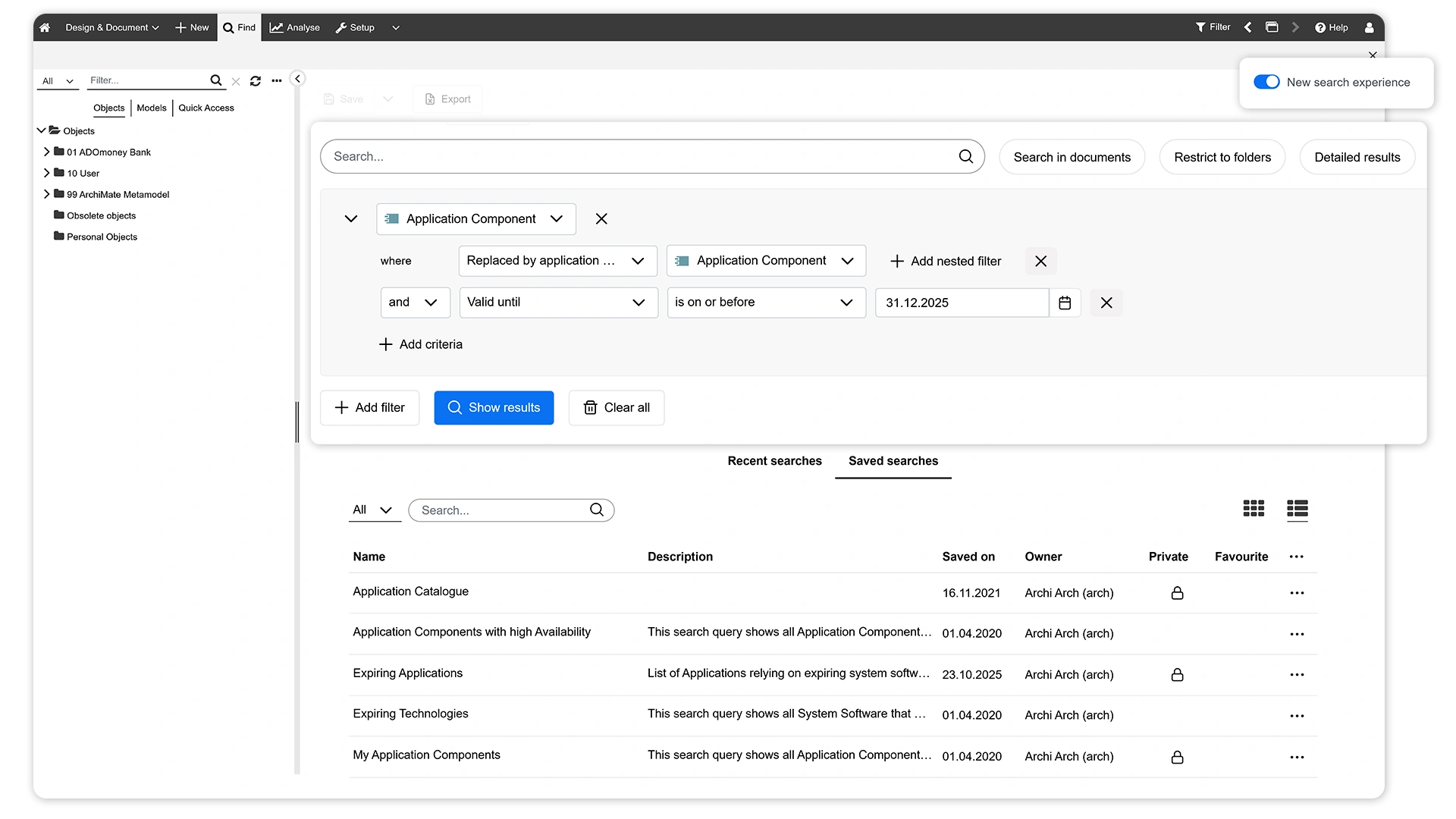
Discover the New Search Experience
Streamline How Changes Get Done
Managing architecture is not just about documenting information – it’s about keeping it up to date. With Forms, Proposals & Approvals, ADOIT makes it easier to capture information, submit changes, and guide them through review and approval. This update training shows you how to use the new capabilities to make your architecture management more structured, collaborative, and efficient.
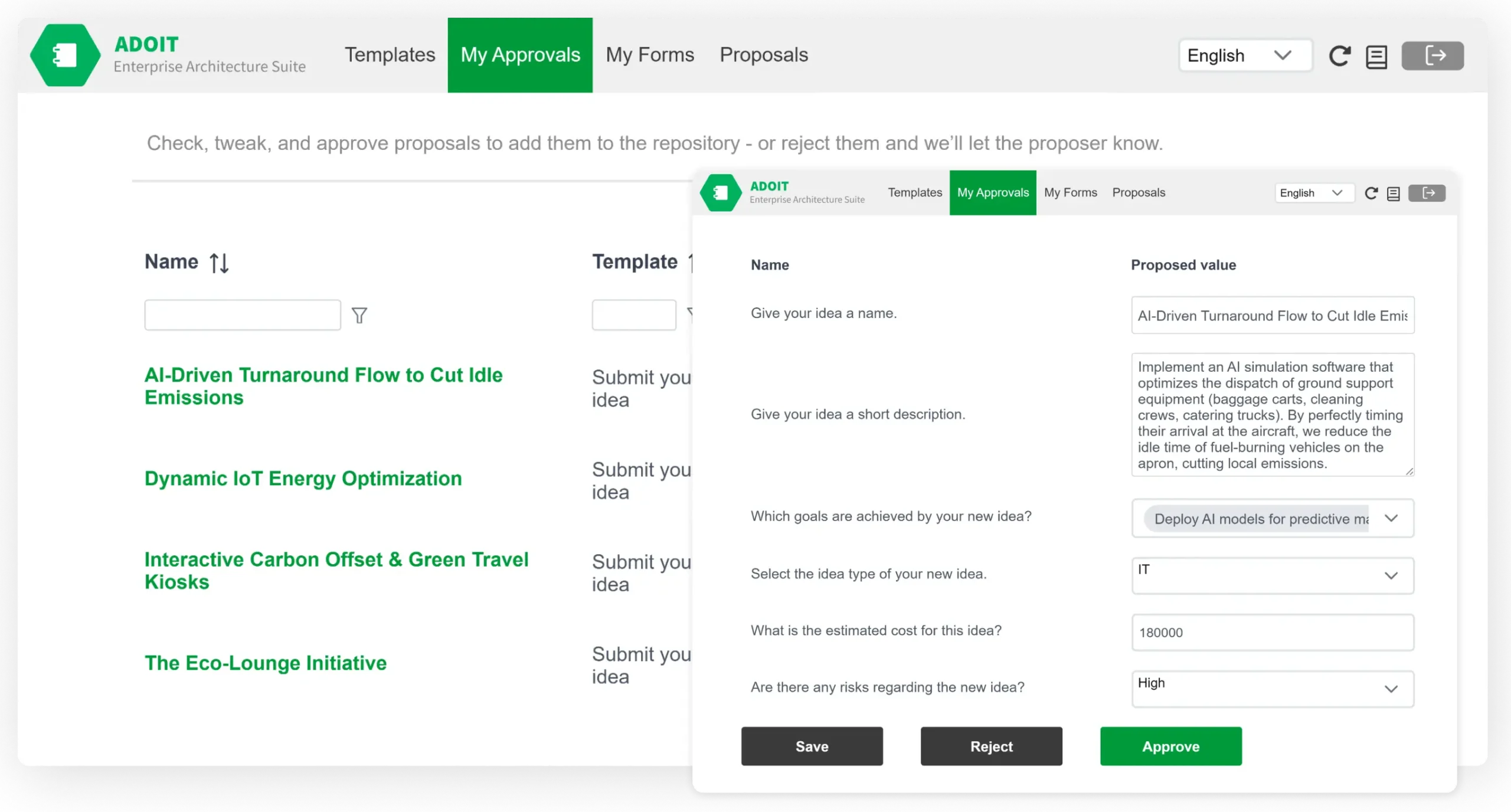
No access to ADOIT Forms yet? No problem! Forms is available as a licensable add-on. Reach out to us to learn more about licensing and getting started.
And the rest of what arrived: New Workspaces, AI-Powered End-of-Life lookup, UML-Style Visualization, One-Click ADONIS Connect, Scenario Planning, Flexible Start Pages, and a new, modern Linux/Container deployment.
And beyond that?
Flexible Access
Learn at your own pace – whenever and wherever it suits you.
Interactive Learning
Guided walkthroughs, interactive elements and knowledge checks in every module, closing with a final quiz.
Role-Based Path
9 focused modules, each around 10 minutes. Every module maps to a role, so you know where to start.

This training is for our holistic EA suite
Frequently Asked Questions (FAQ)
Anyone landing on ADOIT 21 LTS from ADOIT 17 LTS. Most customers follow the LTS cadence, which means ADOIT 18, 19 and 20 never reached their environment, and three releases of capability arrive at once. The course routes each role to the modules that matter most, from enterprise architects and architecture practitioners to application owners, business users and administrators.
9 modules, each around 10 minutes. Text-based learning, guided walkthroughs, interactive elements and a knowledge check in every module, closing with a final quiz, role-based next steps and your certificate.
You can complete the course on its own. It includes walkthroughs and interactive elements that introduce each capability clearly. To apply what you learn straight away, use your ADOIT 21 LTS environment. Availability of individual capabilities may depend on your ADOIT edition, configuration and enabled features.
Parts of it will cover ground you know. If ADOIT 20 is your starting point, the ADOIT 21 What’s New training covers that delta on its own and takes less of your time. Choose this course when you are coming from ADOIT 17 LTS, or when you want the complete map of what ADOIT gained across all three releases.
Get Up to Speed with ADOIT Today
Get unlimited access to the entire training for free.
Step 1: Go to adoit.learn.boc-group.com
Step 2: Sign up and verify your email to activate access. Already registered? Just log in.
Step 3: Open the Course Catalogue and start “ADOIT 21 LTS Update Training”.
Discover more EA training courses.


Application Portfolio Management with ADOIT & ArchiMate
Gain transparency, reduce complexity, and drive smarter IT decisions.
ADOIT
Online training